FAQ: Embed Your Facebook Page Feed on Your Counselling Network Profile
What is the Facebook Feed Embed feature?
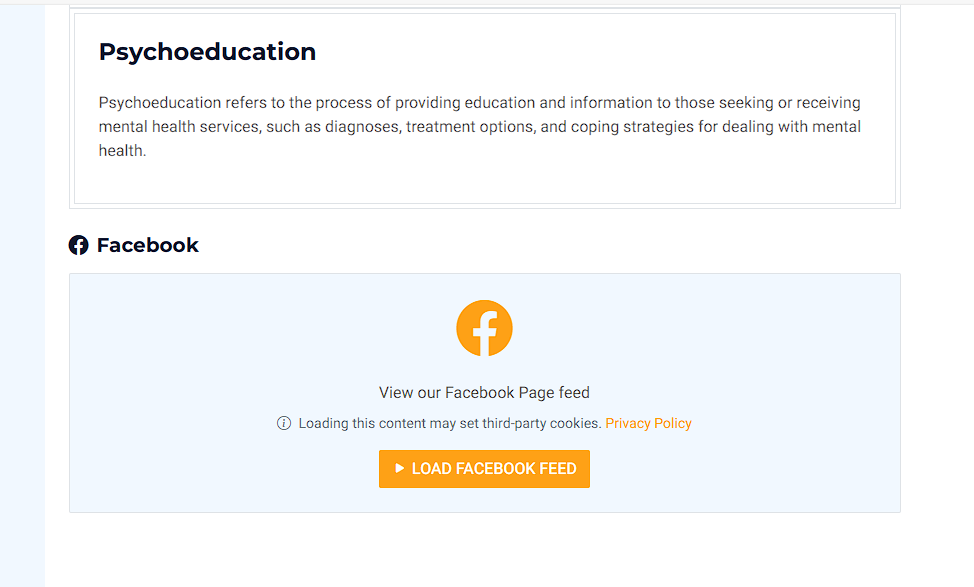
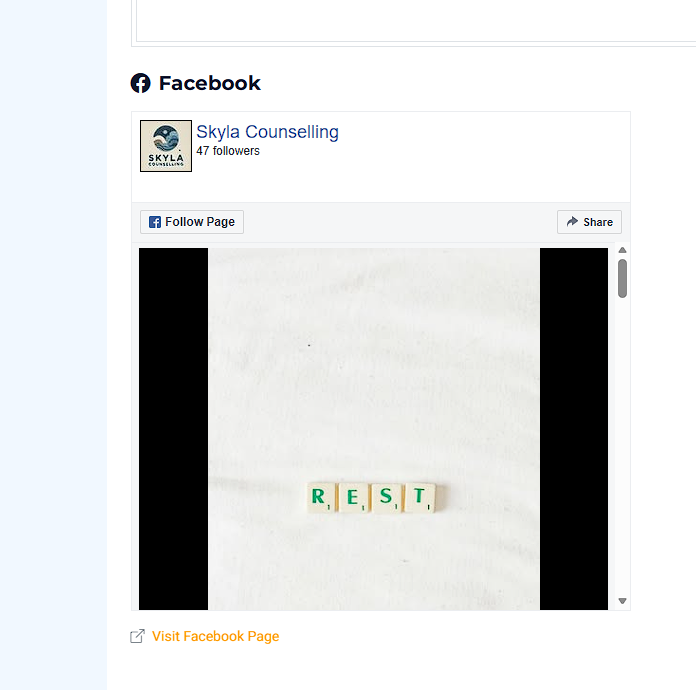
The Facebook Feed Embed feature lets you display your Facebook Page timeline directly on your public Counselling Network profile. It’s a simple way to show your latest updates without having to copy and paste posts in multiple places.
Why would I use this?
It’s helpful if you want your profile to feel active and current.
Common reasons counsellors use it:
-
You post updates on Facebook (availability, articles, reminders, events)
-
You want clients to see you’re active and approachable
-
You want to “post once” and have it appear in more than one place
Does this work with a personal Facebook profile?
No — this feature works with Facebook Pages only (the type used for businesses and professional services).
Personal profiles and Facebook groups can’t be embedded in the same way.
If your Facebook page has a Follow button (rather than Add Friend), you’re usually in the right place.
Where do I find this in my dashboard?
You can find it here:
Dashboard → Edit Profile → Social Media → Facebook Feed
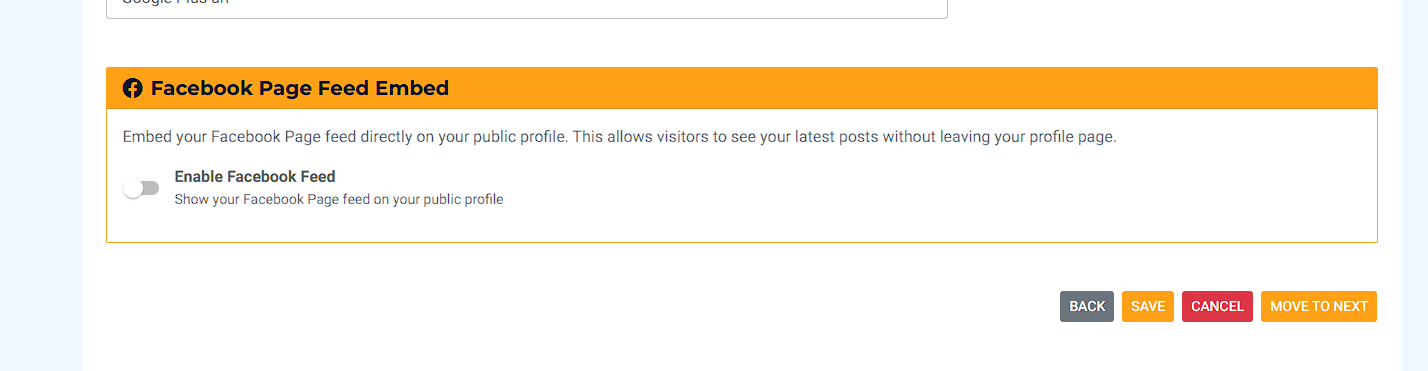
That’s the section where you’ll paste your Facebook embed code.
How do I set it up?
Follow these steps:
-
Open the Facebook Page Plugin tool (Facebook’s official embed builder)
-
Paste the link to your Facebook Page (not your personal profile)
-
Facebook will generate an embed code
-
Copy the full embed code
-
Go to your Counselling Network dashboard:
-
Edit Profile → Social Media → Facebook Feed
-
-
Paste the code into the Facebook Feed box
-
Click Save
-
Use Preview / View Public Profile to check how it looks
What if I don’t have a Facebook Page yet?
You can still use Counselling Network without it — this is completely optional.
If you want to use the feature, you’ll need to create a Facebook Page first (Facebook calls it a “Page for a business or professional service”).
Can I switch it off later?
Yes. Anytime you want:
-
Remove the embed code, or
-
Disable the feature (if you see a toggle)
Then save, and it won’t show on your public profile.
Will this automatically update when I post on Facebook?
Yes — once it’s set up, your Facebook Page posts appear automatically on your profile (as Facebook updates them).
Is it safe — am I giving you access to my Facebook account?
No. You’re not connecting your login details.
This uses Facebook’s official embed code, which simply displays your public Page feed the same way it would on any website.
My feed isn’t showing — what should I check?
Try these quick checks:
-
Make sure you pasted the embed code for a Facebook Page, not a personal profile
-
Confirm your Page is public and has at least one recent post
-
Try saving again and refreshing your public profile
-
Some browsers or privacy extensions can block Facebook embeds (try another browser/device)
If it still won’t show, message us and we’ll help.