
Introducing Counselling.Network for SharePoint
A new place to find counselling support: your company intranet
We’re pleased to introduce Counselling.Network for SharePoint: a simple way for organisations to bring counsellor search into their own wellbeing pages.
For employees, it creates a direct route from a familiar company page to independent counsellors. For counsellors, it opens another place for eligible public profiles to be discovered.
What is SharePoint?
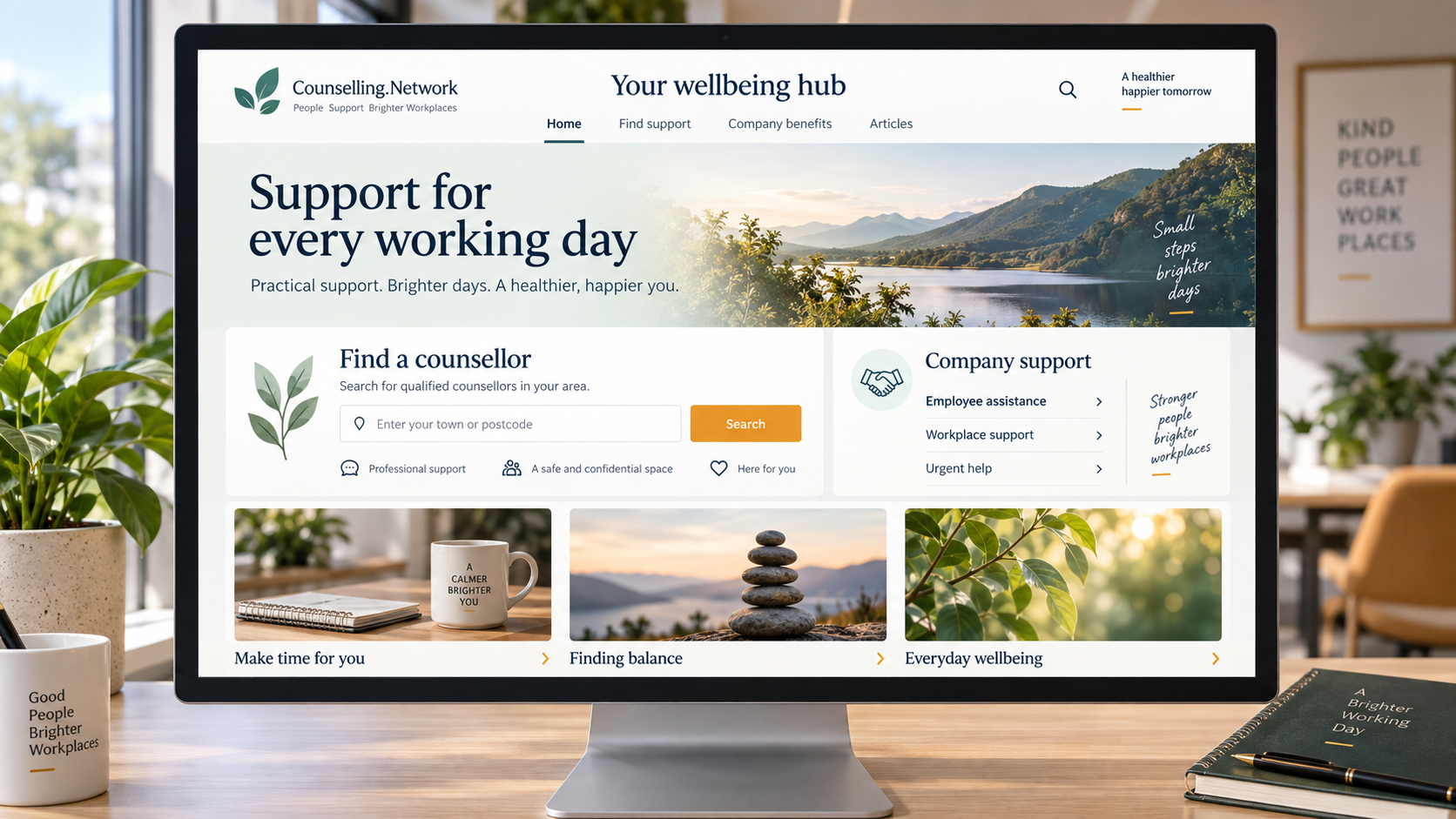
SharePoint is Microsoft’s platform for company intranets, shared content, documents and collaboration. Organisations use it to bring together news, policies, resources and information for their people.
A wellbeing page can sit alongside those everyday resources, helping staff find company benefits, employee assistance programmes and other sources of support. Our integration adds a small counsellor finder to that page.
Search where you already are
The Counselling.Network web part is a small component that a company can add to a SharePoint page. Employees start typing a town or city, choose a suggestion and explore matching counsellors. They can also look for remote support.
Results appear within the page, with a photo and introduction, plus published fees, contact links and session options where supplied and enabled. Someone can then open a full Counselling.Network profile to learn more and decide whether to make contact.
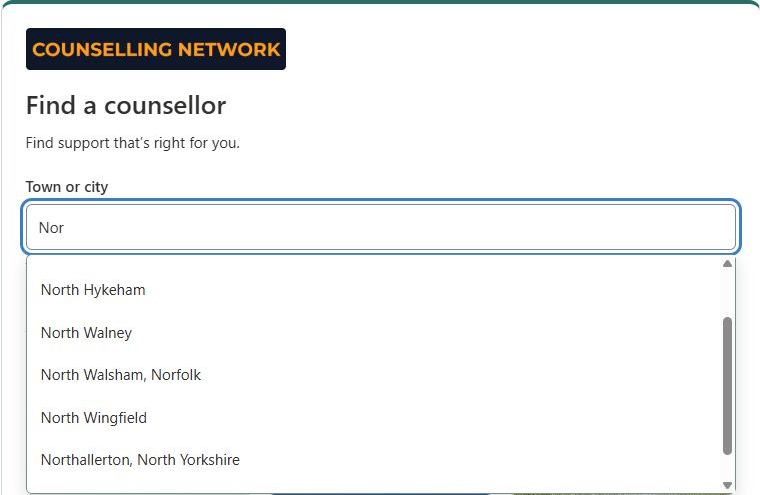
Search considers the areas counsellors say they serve. Counsellors offering remote sessions can also appear in relevant searches; clients should check any location restrictions with the practitioner.
Already have a wellbeing hub? Keep building on it
Many organisations already have a wellbeing page. The finder can sit alongside existing support, such as an employee assistance programme, occupational health information or internal wellbeing contacts.
For a smaller organisation starting out, a simple page can bring those useful routes together. Clear headings, an explanation of available benefits and a few well-chosen links are a practical starting point.
Content teams can also choose to display three recent eligible counselling articles with images and titles, or keep a simple link to explore the blog.
Read our guide to creating or improving a SharePoint wellbeing page.
What does this mean for counsellors?
Your public profile could be discovered directly through a participating company’s intranet. There is no separate SharePoint profile to maintain: the finder uses eligible published information from Counselling.Network.
This makes it a good time to review your profile photo, introduction, service areas, remote session options, fees and contact links. Give prospective clients a clear, current picture of your practice and how you work.
Placement and enquiries are not guaranteed. People choose whether to contact a counsellor, and practitioners assess suitability and agree their own fees and terms. A company providing access to the finder does not automatically fund counselling sessions.
Explore the SharePoint opportunity for counsellors.
Preparing for the Microsoft Store
We’re preparing to make the integration available through the Microsoft Store for SharePoint, giving IT teams a familiar route to discover and approve the app. The listing is not yet available and publication is subject to Microsoft’s review.
Our company information page explains the web part, with separate guidance for content teams and IT administrators. You can explore how it would fit your organisation while we prepare for wider rollout.
Bring a direct route to counselling into the working day. Explore Counselling.Network for SharePoint.

