Already have a wellbeing hub?
Add the finder to an existing modern page. Keep your branding, navigation and company support information.
Improve your existing page →Restoring your session
Refreshing the page now.
YOUR INTRANET. A NEW WAY TO FIND SUPPORT.
Bring independent counsellor search into the SharePoint wellbeing pages your people already use.
Local and remote search · No coding for page editors
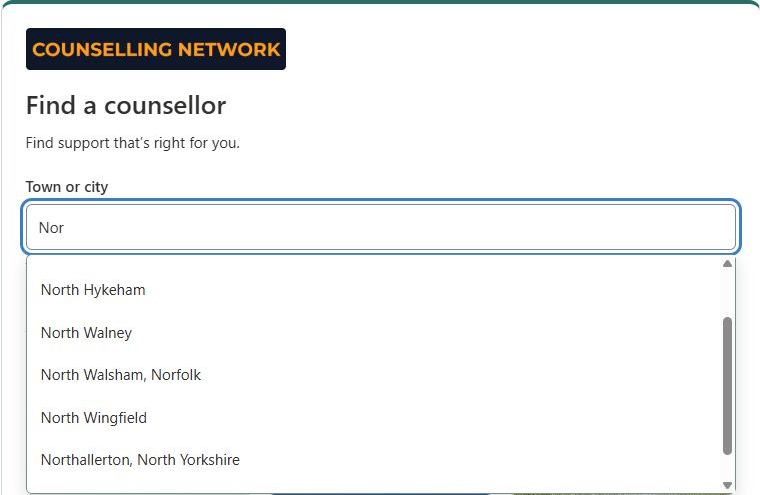
INTRODUCING COUNSELLING.NETWORK FOR SHAREPOINT
We're bringing Counselling.Network into Microsoft SharePoint, giving organisations a direct route to independent counselling from their own intranets—and giving eligible counsellors another place to be discovered.
SharePoint is Microsoft's platform for company intranets, content and document management, and collaboration. Organisations use it to share news, policies, resources and information with their people.
HR and communications teams publish content, staff use it to find information, and IT teams manage access and governance. It can be the home of a company's wellbeing hub, too.
Explore Microsoft SharePoint ↗We're preparing to add the web part to Microsoft's SharePoint Store, so IT teams can discover it and make it available through their normal app approval process.
Publication is subject to Microsoft's review. The listing is not yet available. The web part is free for organisations, with no company subscription or licence activation required.
Read the installation guide →A SMALL ADDITION. A USEFUL NEXT STEP.
Keep your EAP, company benefits and trusted resources. Add a simple counsellor finder alongside them, so staff can explore support in a place they already know.
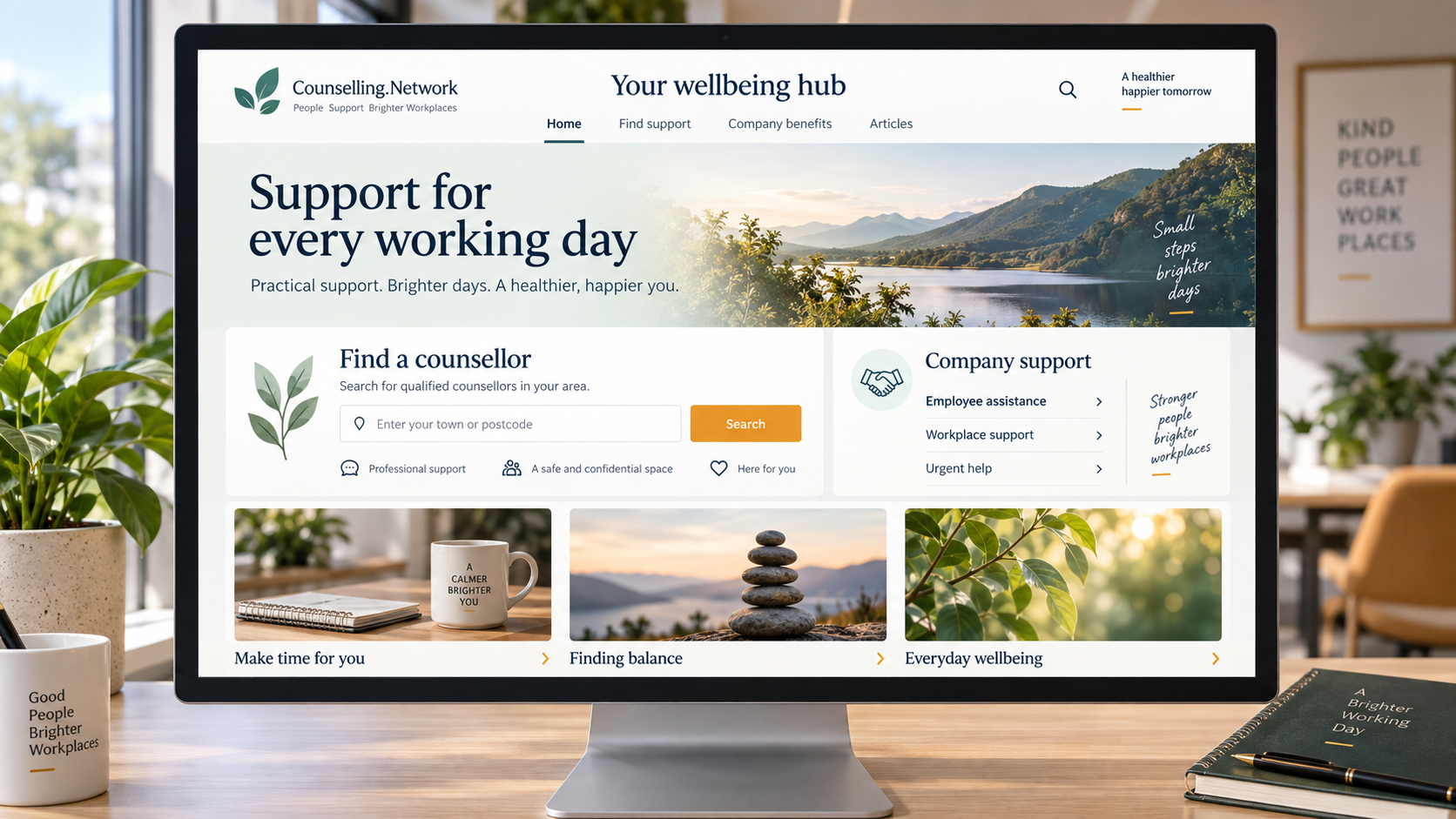
MEET THE WEB PART
Real screenshots from our SharePoint test installation. Profiles and articles change over time.
Type three characters and choose a town or city. Or select remote counselling without entering a town.
Town searches include counsellors who serve that area and those offering remote sessions.
Town suggestions · View full size ↗Up to three results appear right on the page, with session options, published fees where available and links to learn more.
Staff open a profile or explore all results, then arrange sessions directly with their chosen counsellor.
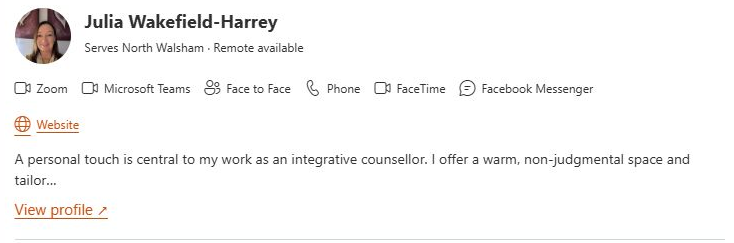 A real result card · View full size ↗
Show three recent public articles with images and titles. Prefer a quieter layout? Switch back to the simple Explore link.
Your content team chooses the display. The feed does the updating.
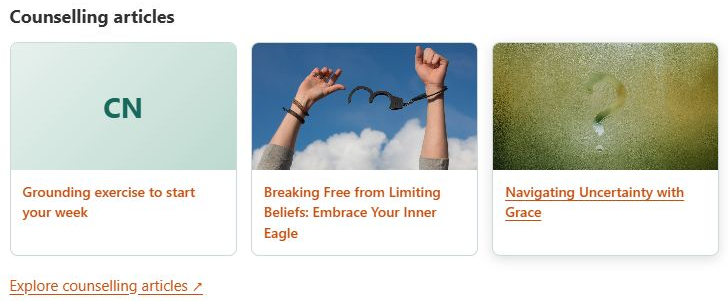 Three articles or one simple link · View full size ↗
AT HOME IN YOUR SHAREPOINT
Add the finder to an existing modern page. Keep your branding, navigation and company support information.
Improve your existing page →Follow our guide to a welcoming wellbeing page, with useful links, clear funding information and the finder.
Build your wellbeing page →Approve the app, add it to a modern page, choose the heading and article layout, then publish. Your organisation's approval process sets the timetable.
FREE FOR ORGANISATIONS
Add the finder to your internal SharePoint pages, with no company subscription or licence activation required.
Preparing for launch. The Microsoft Store listing is not yet live. Contact us to discuss a pilot.
Free
Counsellor search and articles for your company intranet.
Discuss a company pilot →Counselling sessions, Microsoft 365 licences and custom site-building services are separate.
A FEW USEFUL ANSWERS
Yes. Keep EAP access and eligibility visible and explain which services are company-funded. The finder provides another route to independent counselling.
No. The web part is free; staff arrange and pay for sessions separately unless your company makes a funding arrangement.
Town searches use declared service areas and include remote providers. Staff should confirm location, credentials, availability and fees directly. Listings are not recommendations or guarantees of suitability or outcomes.
The current finder does not send SharePoint employee names, emails or user IDs in directory requests or give employers individual search reports.
Our IT guide explains the store route once approved. Contact us for pilot availability. Editors can then use the page setup guide.